
01
Upload a chart image
Start with screenshots, exported graphics, or scanned visuals.
Use a chart digitizer workflow to recover data from screenshots and published visuals.
Move from image to clean dataset, then design, animate, and publish without tool switching.
Opening in early access for selected teams.
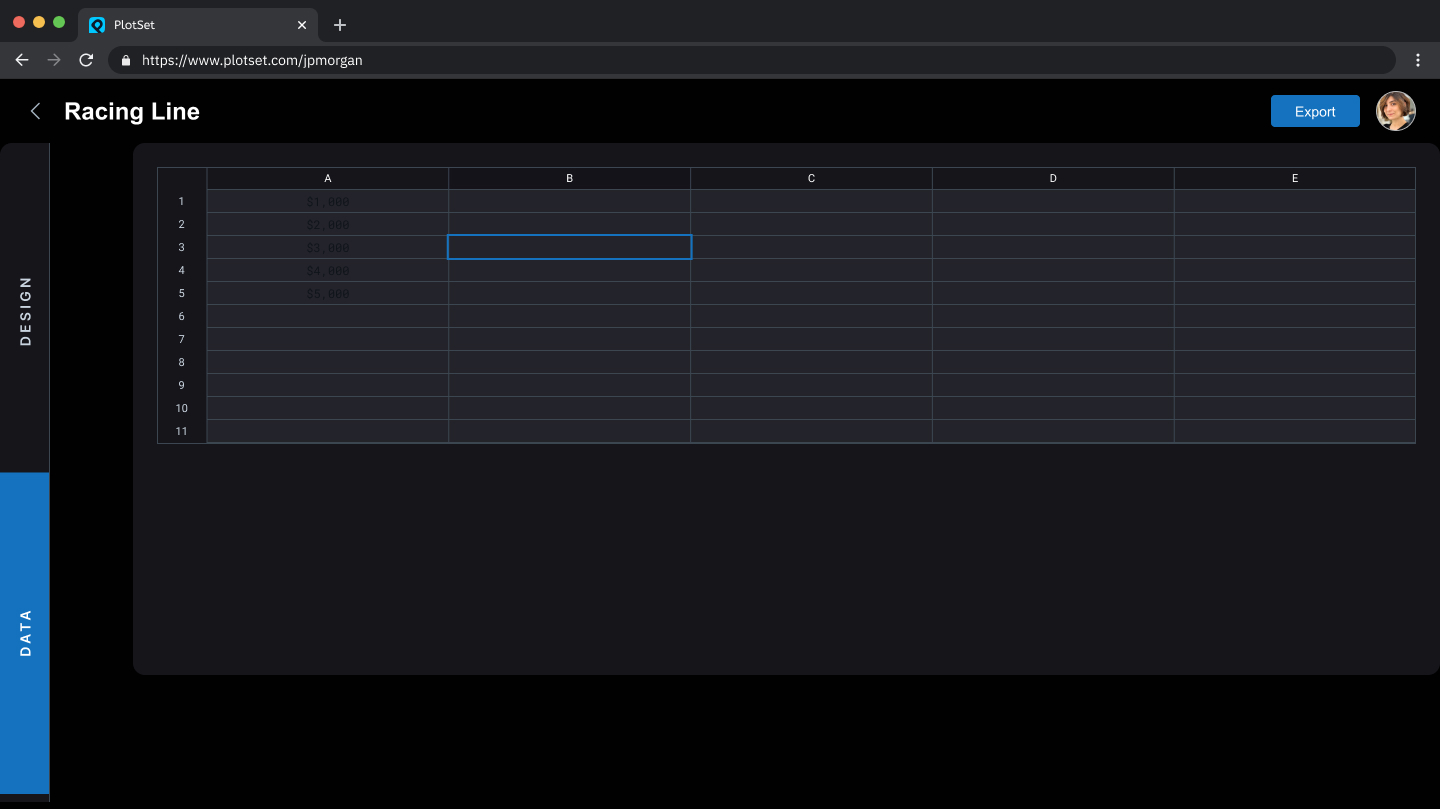
Recover locked data and use it in narrative chart production.
Start with screenshots, exported graphics, or scanned visuals.
Recover values and tidy labels into a usable dataset.
Apply themes, set motion behavior, and shape narrative pacing.
Deliver publication-ready outputs without rebuilding data by hand.
Teams that need to reuse published visuals without starting from zero.
Rebuild source datasets from published charts for internal analysis.
Convert image-based references into branded, reusable story assets.
Use source visuals as inputs for new audience-ready chart stories.
Join the waitlist to move from chart screenshots to editable visual stories.